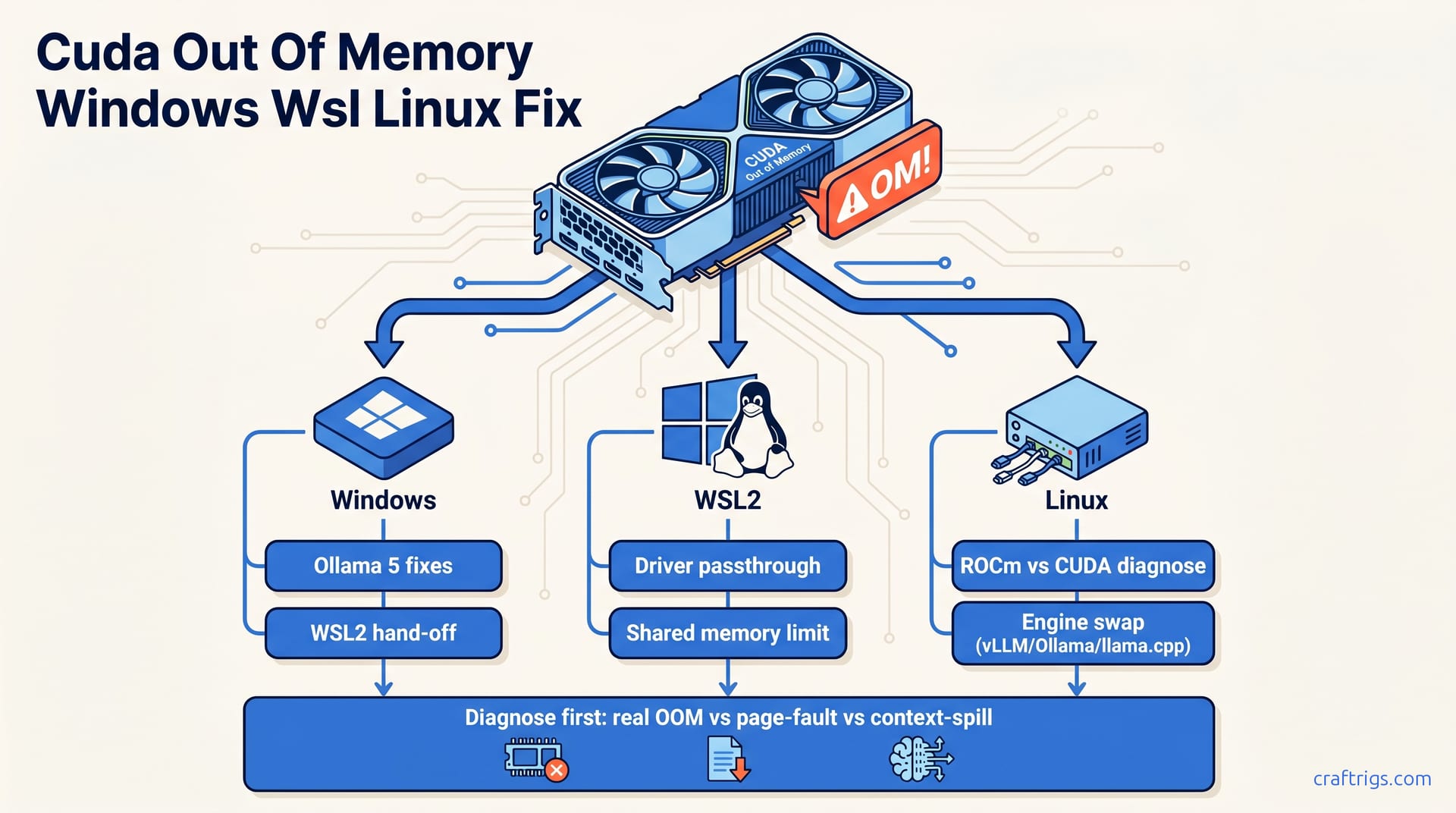
TL;DR — "CUDA out of memory" is the same error message hiding three different bugs. On Windows it's usually shared-VRAM page faults masquerading as OOM. On WSL2 it's almost always memory pinning and reserved-VRAM mismatch. On bare Linux it's real OOM — either context length or a leaked allocator. Diagnose before you flag-tune.
Step 1: Diagnose Before You Tune
Three checks, in order:
- Is it real OOM? Run
nvidia-smi -l 1in another window. If VRAM hits the ceiling and the loader dies, that's real. If VRAM sits at 80% and you still get the error, it's not OOM — it's something else (driver state, pinning, or a context-length blowup). - Is it context-length spill? Drop
--ctx-sizeto 4096. If the error disappears, you were over-allocating the KV cache, not the model. - Is it page-fault thrash? On Windows, the driver silently swaps to shared system memory and reports OOM when the working set can't be pinned. The dedicated page-fault vs real OOM breakdown walks through this with
nvidia-smiand Process Explorer.
Skip diagnosis and you'll waste an hour tuning flags that don't apply.
Step 2: Windows-Specific Fixes
The Windows path is the gnarliest. RTX 5070 Ti owners running Ollama with Qwen 3.5 27B see this constantly — the full Windows-specific fix guide covers it end-to-end.
The short version:
- Disable "Hardware-accelerated GPU scheduling" in Windows Display settings. It interferes with CUDA's allocator on consumer drivers.
- Set
OLLAMA_GPU_OVERHEADto 1–2GB to leave headroom for the WDDM driver. Ollama's default assumes Linux-style direct allocation. - Cap
OLLAMA_NUM_PARALLELto 1. Parallel requests double the KV cache, which is what tips a 16GB card over the edge on a 27B model. - Don't use Ollama's auto offload on Windows. Set
--num-gpumanually based on layer count. Auto-offload over-estimates available VRAM by 5–10%.
If you're on Ollama specifically, the 5 real Ollama OOM fixes cover the engine-side flags in detail.
Step 3: WSL2 Path
WSL2 sits on top of Windows but pretends to be Linux, which creates a unique class of OOM. The kernel pins memory differently and the CUDA runtime sees a virtualized view of VRAM. Symptoms: model loads, generates 30 tokens, then OOMs mid-stream.
Three fixes that actually work:
- Add
[wsl2] memory=24GBandswap=0to.wslconfig. The default 50% RAM cap starves the CUDA pinned pool. - Run with
--mlockin llama.cpp to force resident memory. - Update to the latest NVIDIA WSL driver. The 555+ branch fixed the worst of the reserved-VRAM accounting bugs.
The full WSL2 CUDA OOM fix guide has the complete order of operations.
Step 4: Linux — When to Switch Engines
On bare Linux, if you've ruled out context length and the model genuinely doesn't fit, stop tuning. Switch engines. Move from Ollama to llama.cpp with explicit --n-gpu-layers, or to vLLM if you need throughput. If you're seeing 2 tok/s instead of 40, you're in VRAM spill — see the VRAM spill troubleshooting guide.
The Linux-side OOM is honest. The Windows-side OOM is a liar. Treat them differently.